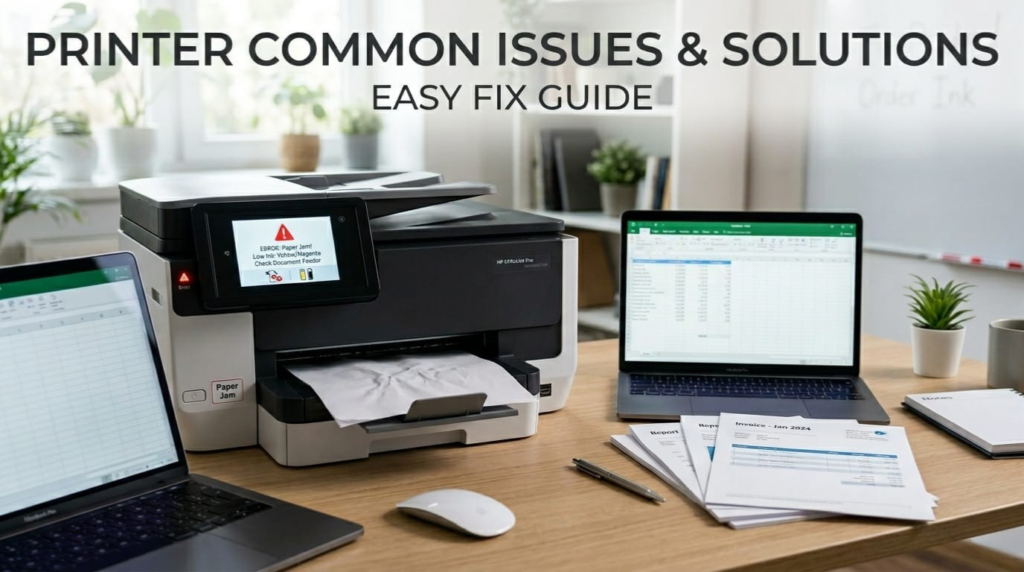

Printer Maintenance Tips are essential for anyone who wants to keep their printer running smoothly and avoid unexpected breakdowns. Whether you use a printer at home or in the office, regular maintenance helps ensure consistent performance and high-quality prints.
Many users ignore basic printer care, which leads to common problems like paper jams, faded prints, and slow performance. The good news is that with a few simple steps, you can extend your printer’s lifespan and reduce repair costs. In this guide, we’ll cover practical and easy-to-follow printer maintenance tips that anyone can apply.
Why Printer Maintenance is Important
Regular printer maintenance is not just about cleaning, it directly impacts performance and durability.
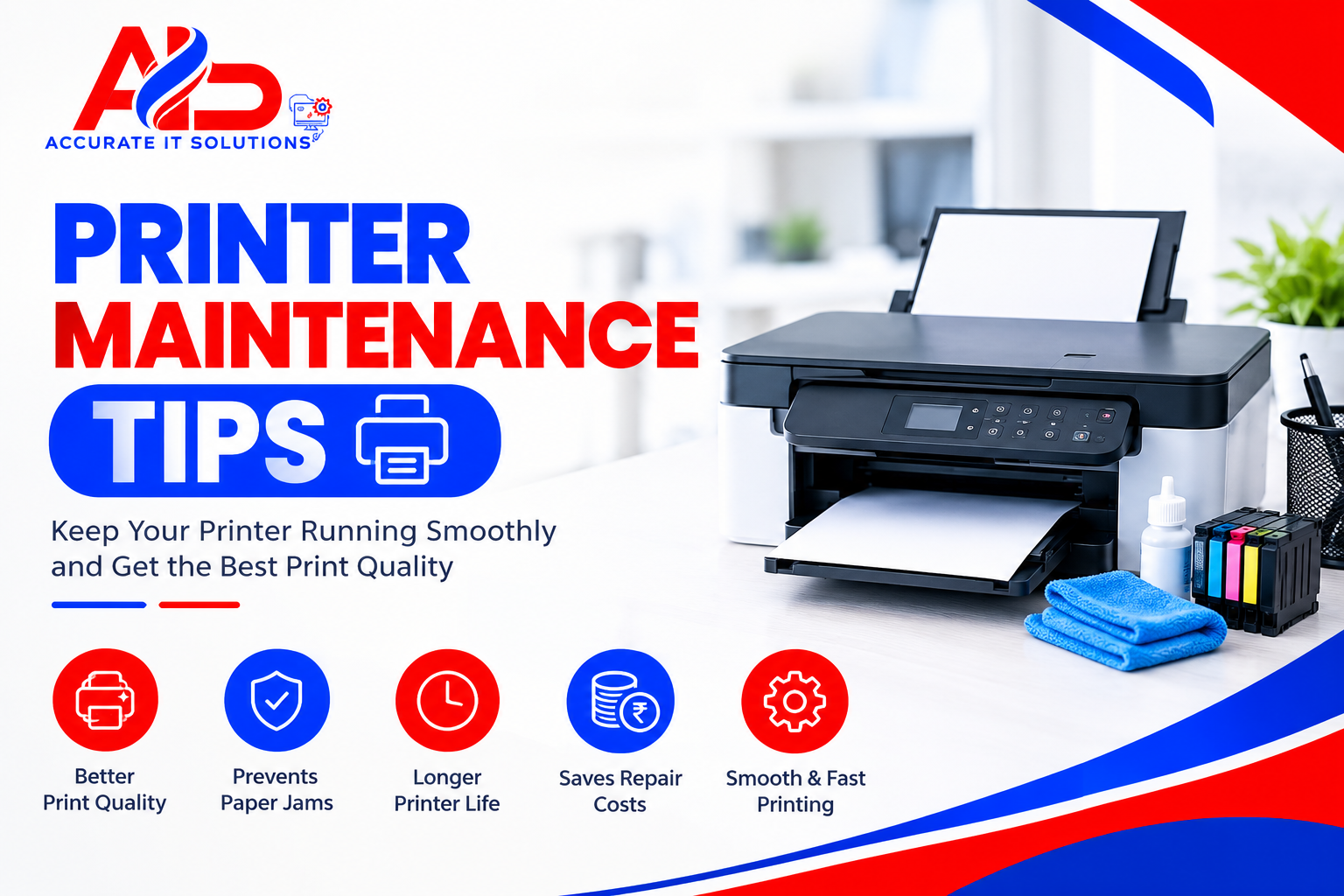
Key Benefits:
- Improves print quality
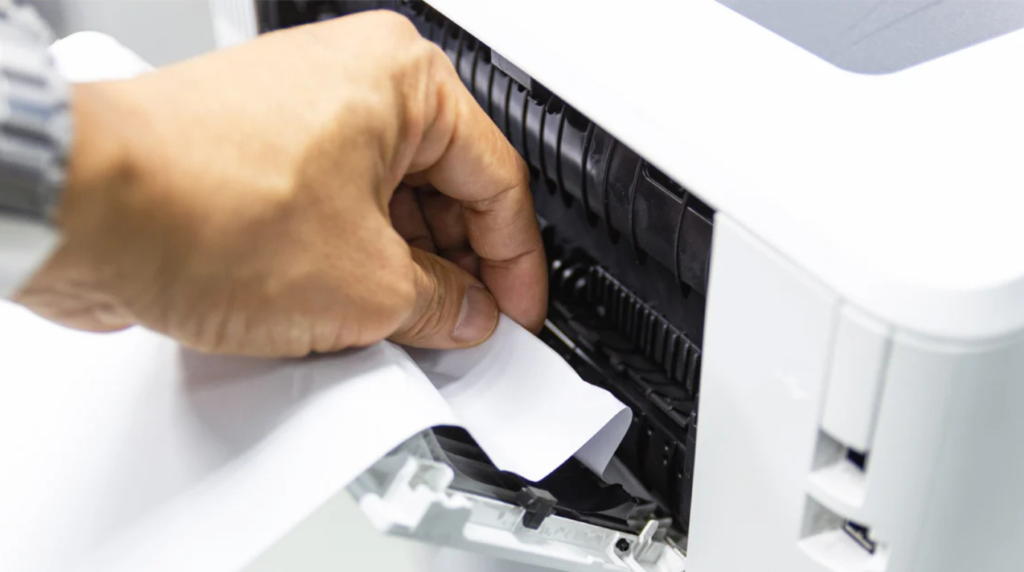
- Prevents common issues like paper jams
- Extends printer lifespan
- Reduces repair and replacement costs
- Ensures smooth and fast printing
Ignoring maintenance can lead to costly repairs and downtime, especially in business environments.
Basic Printer Maintenance Tips Everyone Should Follow
Keep Your Printer Clean
Dust and debris can easily accumulate inside your printer, affecting its performance.
What to do:
- Clean the exterior with a soft, dry cloth
- Open the printer and remove dust carefully
- Avoid using water or harsh chemicals
Regular cleaning prevents internal damage and improves efficiency.
Use High-Quality Paper and Ink
Low-quality supplies can damage your printer and reduce print quality.
Tips:
- Use recommended paper type and size
- Choose genuine or high-quality ink/toner
- Avoid damp or wrinkled paper
This simple step can prevent many printing issues.
Turn Off Printer Properly
Switching off your printer incorrectly can damage internal components.
Best Practice:
- Always use the power button to turn off the printer
- Avoid unplugging directly
This ensures the printhead is safely positioned.
Keep Printer in a Clean Environment
Placement matters more than you think.
Avoid:
- Dusty areas
- High humidity
- Direct sunlight
A clean and stable environment improves printer performance.
Printer Maintenance Tips to Extend Printer Lifespan
Clean Print Heads Regularly
Clogged printheads are a major cause of poor print quality.
Solution:
- Use the printer’s built-in cleaning function
- Run cleaning cycles when prints appear faded
Update Printer Drivers and Firmware
Outdated software can cause performance issues.
Steps:
- Check manufacturer website for updates
- Install latest drivers and firmware
This ensures compatibility and smooth operation.
Replace Ink or Toner on Time
Running a printer with low or empty cartridges can damage it.
Tips:
- Replace cartridges before they dry out
- Store extra cartridges properly
Run Printer Diagnostics
Most modern printers come with built-in troubleshooting tools.
Use them to:
- Identify issues early
- Fix minor errors automatically
Common Mistakes to Avoid in Printer Maintenance
Avoid these common mistakes to keep your printer in good condition:
- Ignoring warning messages
- Using cheap or fake cartridges
- Overloading the paper tray
- Not using the printer for long periods
- Skipping regular cleaning
These mistakes can shorten your printer’s lifespan significantly.
How Often Should You Maintain Your Printer?
A simple maintenance schedule can make a big difference:
Daily:
- Check paper alignment
- Ensure no error messages
Weekly:
- Clean exterior
- Print a test page
Monthly:
- Deep clean interior
- Run printhead cleaning
- Check for software updates
Consistency is key to long-term performance.
When to Seek Professional Help
Sometimes, basic troubleshooting isn’t enough.
Call a professional if:
- Your printer has hardware damage
- Problems keep repeating
- Internal parts are malfunctioning
If you are looking for a reliable printer repair service Zirakpur, professional technicians can quickly diagnose and fix complex issues. Visiting a trusted printer service center Zirakpur ensures your device is handled by experts and works like new again.
Tips to Extend Printer Lifespan
Want your printer to last longer? Follow these tips:
- Use your printer regularly
- Keep firmware updated
- Store in a clean, dry place
- Avoid overuse or overheating
- Schedule periodic servicing
Taking small steps today can save big costs tomorrow.
FAQs
What are the best printer maintenance tips?
Regular cleaning, using quality supplies, and updating drivers are the most effective maintenance tips.
How do I clean my printer safely?
Use a soft, dry cloth and avoid liquids. You can also use built-in cleaning functions.
How often should I replace ink cartridges?
Replace them when ink levels are low or print quality starts to drop.
Why is printer maintenance important?
It improves performance, prevents issues, and extends the printer’s life.
Can maintenance improve print quality?
Yes, regular maintenance ensures sharp and clear prints.
Conclusion
Following these Printer Maintenance Tips can help you avoid common problems and keep your printer performing at its best. Regular cleaning, proper usage, and timely updates ensure better efficiency and a longer lifespan.
Instead of waiting for your printer to break down, it’s always better to take a proactive approach to maintenance. And if you ever need expert assistance, Accurate IT Solutions is here to help with reliable and professional support, ensuring your printer stays in top condition for the long run.
Related Blogs
Professional Laptop Repair Services| Benefits of Installing CCTV Cameras| Refurbished Laptop| CCTV installation cost| CCTV Installation Company| Printer common issues & solutions