
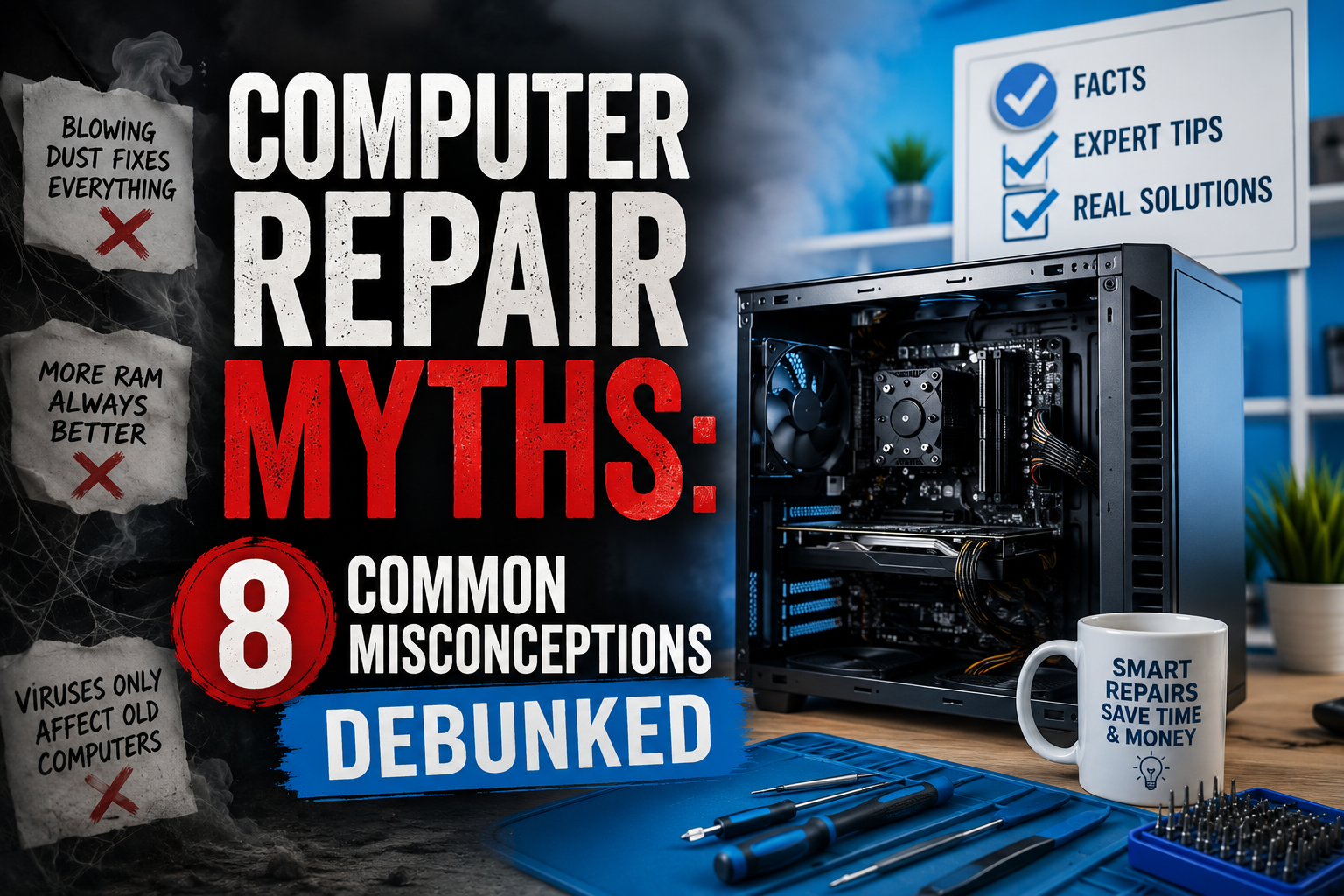
Computers have become an essential part of our daily lives, whether for work, education, business, or entertainment. However, when a computer starts slowing down, crashes unexpectedly, or refuses to turn on, many people rely on advice they’ve heard from friends, online forums, or outdated sources.
Unfortunately, many of these beliefs are actually computer repair myths that can lead to unnecessary expenses, data loss, or even permanent hardware damage.
In this guide, we’ll debunk the most common computer repair myths and explain what you should do instead to keep your laptop or desktop running smoothly.
Table of Contents
- What Are Computer Repair Myths?
- Why Computer Repair Misconceptions Are Common
- Top Computer Repair Myths Debunked
- Common Computer Problems and Real Solutions
- Expert Tips to Keep Your Computer Healthy
- Benefits of Professional Computer Repair
- Why Choose Accurate IT Solutions in Zirakpur
- Frequently Asked Questions
- Conclusion
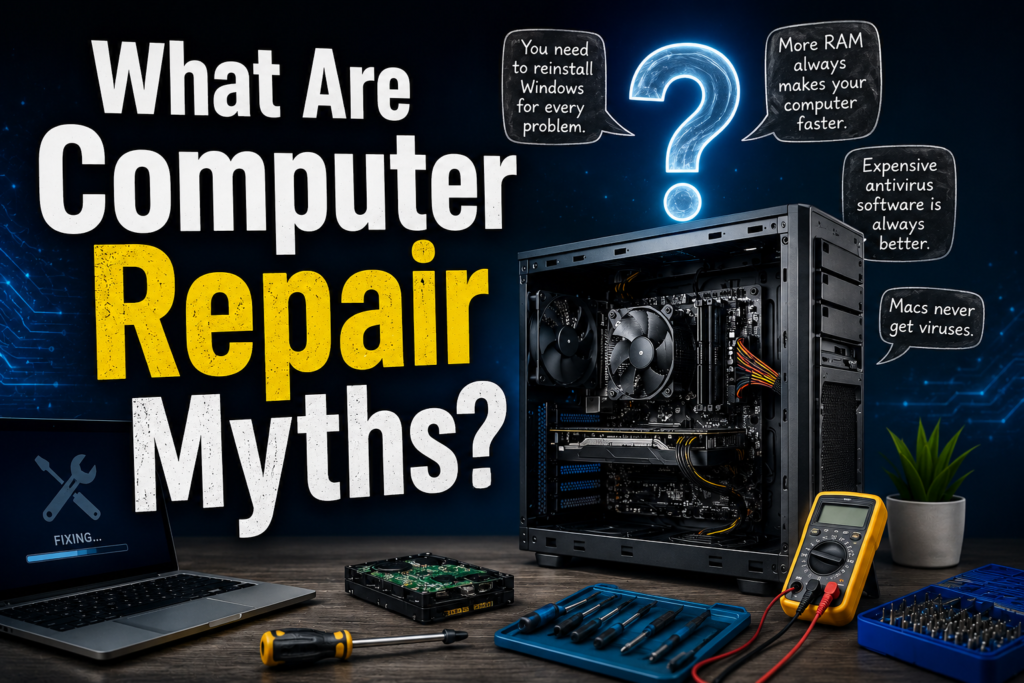
What Are Computer Repair Myths?
Computer repair myths are misconceptions that many users believe to be true about maintaining, troubleshooting, or repairing computers.
These myths often spread through word of mouth, outdated technical advice, or misleading internet posts. While some may seem harmless, following incorrect advice can sometimes worsen existing issues.
Why Computer Repair Misconceptions Are Common
Several factors contribute to the spread of computer repair myths:
- Technology changes rapidly.
- Old advice remains online for years.
- Many users confuse software issues with hardware failures.
- DIY repair videos often oversimplify complex problems.
Understanding the facts helps users make better decisions when their devices experience issues.
Top Computer Repair Myths Debunked
Myth #1: A Slow Computer Always Has a Virus
Many people assume that a slow computer automatically means malware infection.
Reality
While viruses can slow down a system, other causes are often responsible:
- Low RAM
- Aging hard drives
- Full storage
- Too many startup programs
- Outdated operating systems
Solution
Run diagnostic tests and performance checks before assuming malware is the cause.
Myth #2: Deleting Files Automatically Makes a Computer Faster
Users often delete random files hoping to improve performance.
Reality
Removing important system files can actually cause operating system instability.
Solution
Instead of manually deleting files:
- Use Disk Cleanup tools
- Remove unused applications
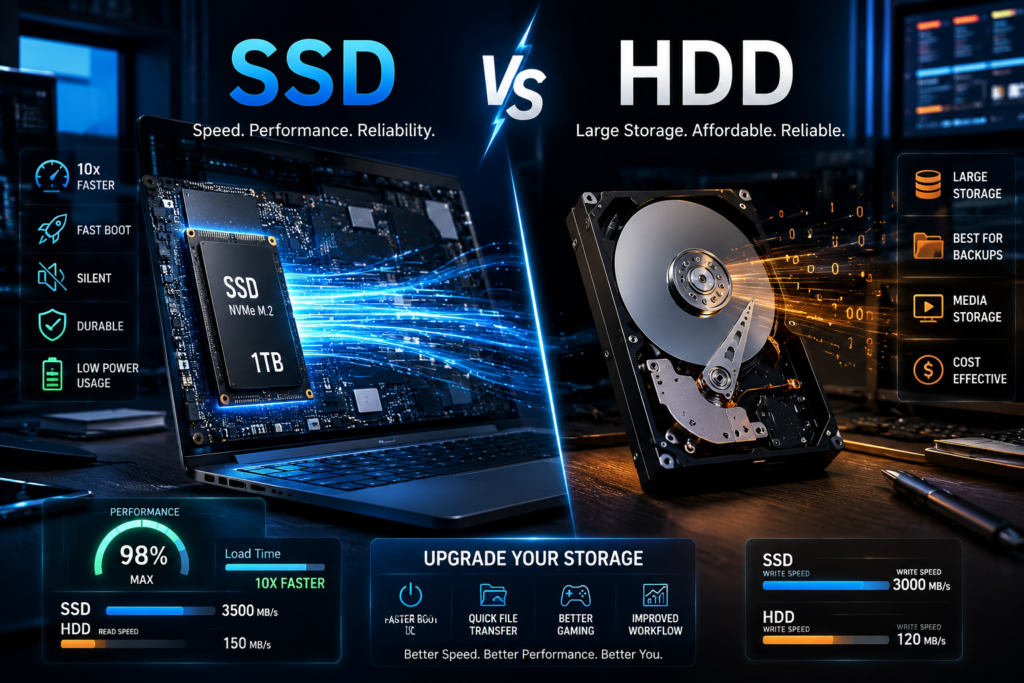
- Upgrade to an SSD
- Increase RAM if needed
Myth #3: You Should Keep Your Computer Running All the Time
Some users believe shutting down a computer damages hardware.
Reality
Modern computers are designed to handle regular shutdowns and restarts.
Benefits of restarting include:
- Clearing temporary files
- Refreshing memory usage
- Installing updates properly
- Improving system performance
Myth #4: Mac Computers Never Get Viruses
A common misconception is that Apple devices are completely immune to malware.
Reality
Although Macs are generally secure, they can still be infected by:
- Malware
- Adware
- Phishing attacks
- Malicious downloads
Solution
Maintain security updates and practice safe browsing habits regardless of your operating system.
Myth #5: More RAM Always Means Better Performance
People often assume that simply adding RAM will solve every performance issue.
Reality
RAM helps multitasking, but it isn’t always the bottleneck.
Sometimes performance issues stem from:
- Old hard drives
- Overheating
- Software conflicts
- Background processes
Solution
Have your system professionally diagnosed before upgrading components.
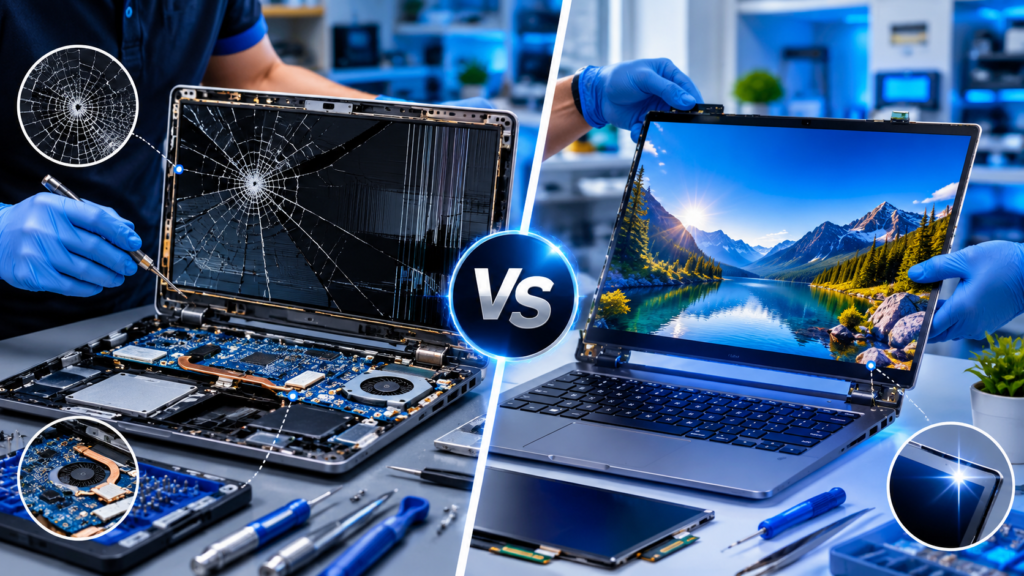
Myth #6: DIY Repairs Are Always Cheaper
Online tutorials make computer repairs look easy.
Reality
Attempting repairs without proper tools or experience can result in:
- Damaged motherboards
- Broken connectors
- Data loss
- Voided warranties
Solution
Simple maintenance tasks can be DIY, but complex repairs should be handled by professionals.
Myth #7: Antivirus Software Provides Complete Protection
Many users think antivirus software alone guarantees security.
Reality
No antivirus program can provide 100% protection.
Cybercriminals constantly develop new threats, including:
- Phishing emails
- Ransomware
- Social engineering attacks
Solution
Combine antivirus software with:
- Safe browsing habits
- Regular updates
- Strong passwords
- Data backups
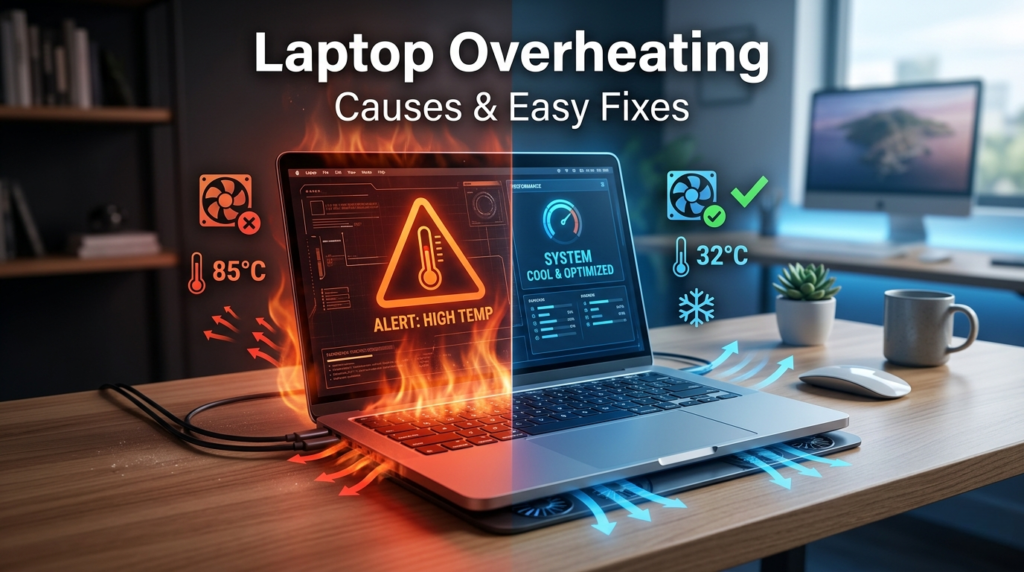
Myth #8: Overheating Is Normal for Every Computer
Some users ignore excessive heat because they think it’s unavoidable.
Reality
While computers generate heat, excessive temperatures can damage:
- CPU
- GPU
- Motherboard
- Battery
Solution
Regular cleaning and thermal maintenance help prevent overheating issues.
Common Computer Problems and Real Solutions
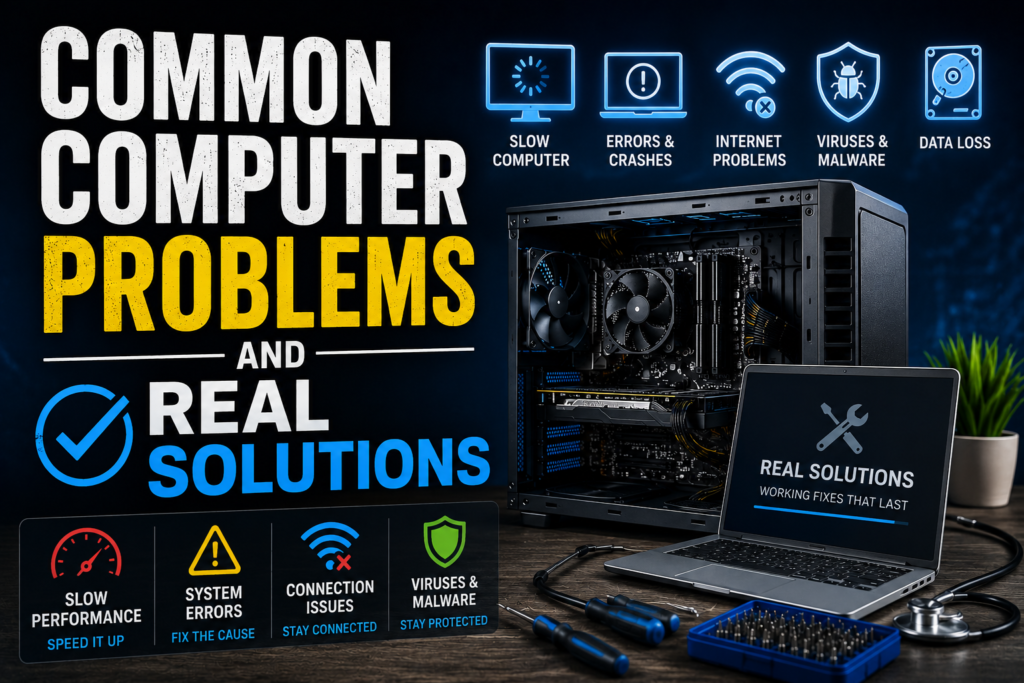
Problem: Computer Running Slow
Possible Causes
- Full storage
- Malware
- Background applications
- Aging hardware
Solution
- Upgrade to SSD storage
- Remove unnecessary software
- Perform system optimization
- Upgrade RAM if required
Problem: Random Shutdowns
Possible Causes
- Overheating
- Faulty power supply
- Battery issues
- Motherboard faults
Solution
Professional diagnostics can identify the root cause quickly.
Problem: Computer Won’t Start
Possible Causes
- Power issues
- Damaged hardware
- Corrupt operating system
- Failed storage device
Solution
Avoid repeated power cycling and seek expert assistance.
Expert Tips to Keep Your Computer Healthy
Follow these best practices:
Keep Software Updated
Updates often contain security patches and performance improvements.
Back Up Important Data
Regular backups reduce the risk of data loss.
Clean Dust Regularly
Dust buildup restricts airflow and increases temperatures.
Use Genuine Software
Avoid pirated programs that may contain malware.
Schedule Preventive Maintenance
Routine servicing can identify issues before they become costly repairs.
Benefits of Professional Computer Repair
Choosing professional repair services offers several advantages:
Accurate Diagnosis
Technicians can quickly identify the actual problem.
Data Protection
Professionals use safe repair procedures to protect your files.
Cost Savings
Early repairs often prevent larger hardware failures.
Extended Device Lifespan
Regular maintenance helps computers last longer.
Reliable Performance
Proper repairs restore optimal functionality.
Why Choose Accurate IT Solutions in Zirakpur
When it comes to computer repair services in Zirakpur, choosing an experienced and trustworthy service provider matters.
At Accurate IT Solutions, we offer:
- Computer repair services
- Laptop repair services
- Refurbished laptop sales
- Computer accessories
- Printer repair solutions
- CCTV installation services
Our experienced technicians provide accurate diagnostics, quality repairs, and transparent recommendations to help customers get the best value from their devices.
Whether you’re dealing with a slow computer, hardware failure, virus infection, or upgrade requirement, our team is ready to help.
Frequently Asked Questions (FAQ)
1. Can a slow computer always be fixed?
Not always. The solution depends on the cause, but many performance issues can be resolved through upgrades, maintenance, or software optimization.
2. Is professional computer repair worth it?
Yes. Professional repairs often prevent additional damage and save money compared to replacing an entire system.
3. How often should a computer be serviced?
Most computers benefit from preventive maintenance every 6–12 months.
4. Can overheating permanently damage a computer?
Yes. Continuous overheating can shorten the lifespan of internal components.
5. Is upgrading an old computer better than buying a new one?
In many cases, upgrading RAM or installing an SSD can significantly improve performance at a lower cost.
6. Are refurbished computers reliable?
Yes. Professionally refurbished computers are tested, repaired, and optimized for dependable performance.
Conclusion
Many computer repair myths continue to circulate online, causing users to make poor maintenance and repair decisions. Understanding the facts behind these misconceptions can help you avoid costly mistakes, improve computer performance, and extend the life of your device.
If you’re experiencing computer issues or need expert advice, Accurate IT Solutions in Zirakpur offers professional computer repair, laptop repair, refurbished laptops, accessories, and IT support services. Contact our team today for reliable diagnostics and quality repairs.
Related Blogs
Professional Laptop Repair Services| Benefits of Installing CCTV Cameras| Refurbished Laptop| CCTV installation cost| CCTV Installation Company| Printer common issues & solutions| Printer maintenance tips| Laptop Overheating| Wired vs wireless CCTV cameras| Laptop vs Desktop Repairs| SSD vs HDD Upgrade |Where to Buy Refurbished Laptops in Zirakpur|Laptop Screen Repair vs Replacement