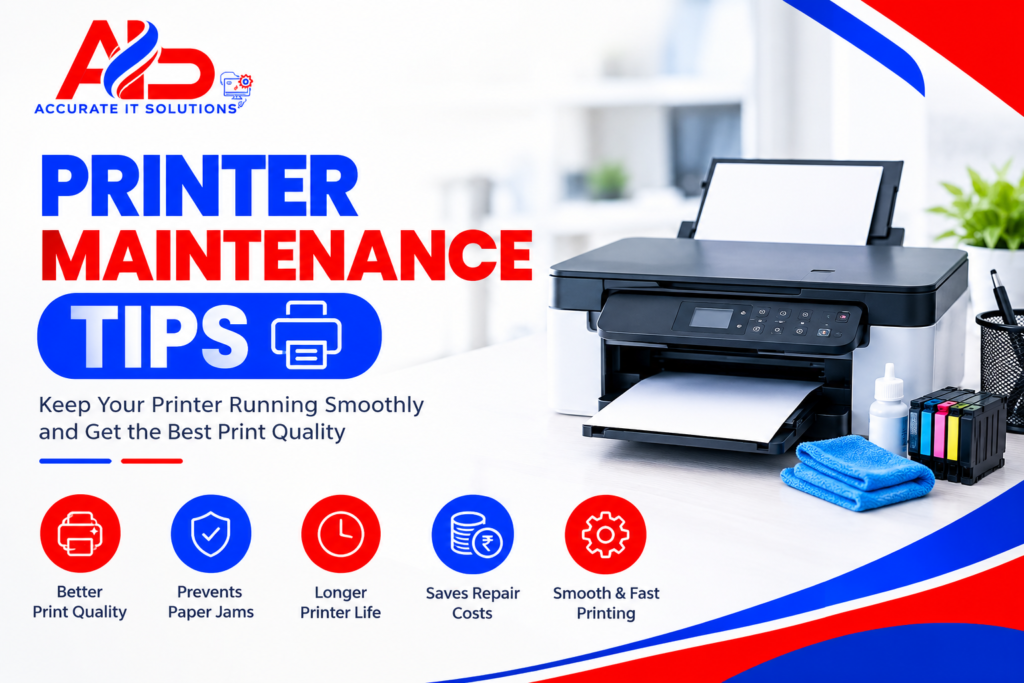

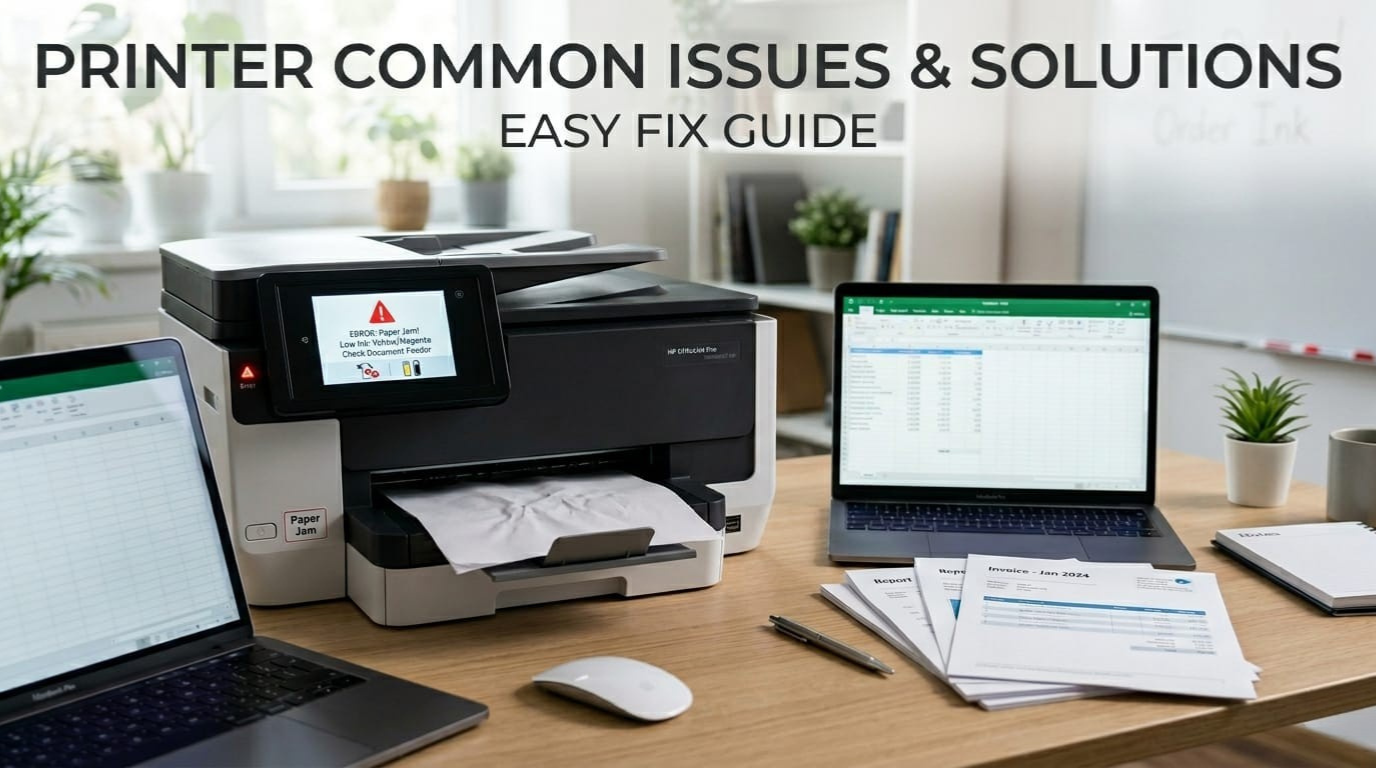
Printers have become an important part of our daily lives, whether at home, in offices, or in businesses. From printing important documents and school assignments to photos and invoices, we rely on printers for many essential tasks. They help save time, improve productivity, and make work more efficient.
However, like any electronic device, printers can sometimes stop working properly. Issues like the printer not printing, paper getting stuck, or prints coming out faded or blurry can be frustrating—especially when you need urgent results. These problems often happen without warning and can interrupt your workflow.
The good news is that most of these issues are common and can be fixed easily without technical expertise. In this guide on Printer Common Issues & Solutions, we will explain the most frequent printer problems in simple terms and provide step-by-step solutions you can try at home. Whether you are a student, office worker, or business owner, this guide will help you troubleshoot printer problems quickly and keep your device running smoothly.
Most Common Printer Issues & Solutions
1.Printer Not Printing
One of the most common issues users face is when the printer simply refuses to print.
Possible Causes:
- Loose or faulty connections
- Outdated or corrupted drivers
- Empty ink or toner cartridges
Solutions:
- Check all cable or Wi-Fi connections
- Restart both your printer and computer
- Update or reinstall printer drivers
- Ensure the printer is set as default
This basic printer troubleshooting step solves most “printer not working” problems instantly.
2.Paper Jam Problem
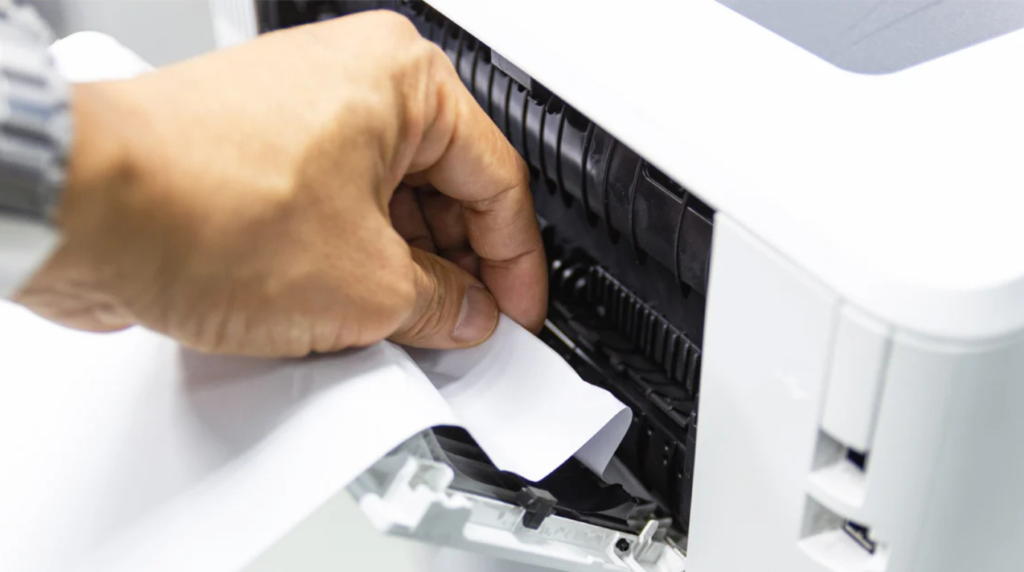
Paper jams are another frequent issue that disrupts printing tasks.
Possible Causes:
- Incorrect paper loading
- Dust inside the printer
- Using low-quality or wrinkled paper
Solutions:
- Carefully remove jammed paper without tearing
- Clean internal rollers
- Use recommended paper type and size
Regular maintenance can prevent repeated paper jam issues.
3.Poor Print Quality
Are your prints coming out faded, blurry, or with streaks? This is a clear sign of print quality problems.
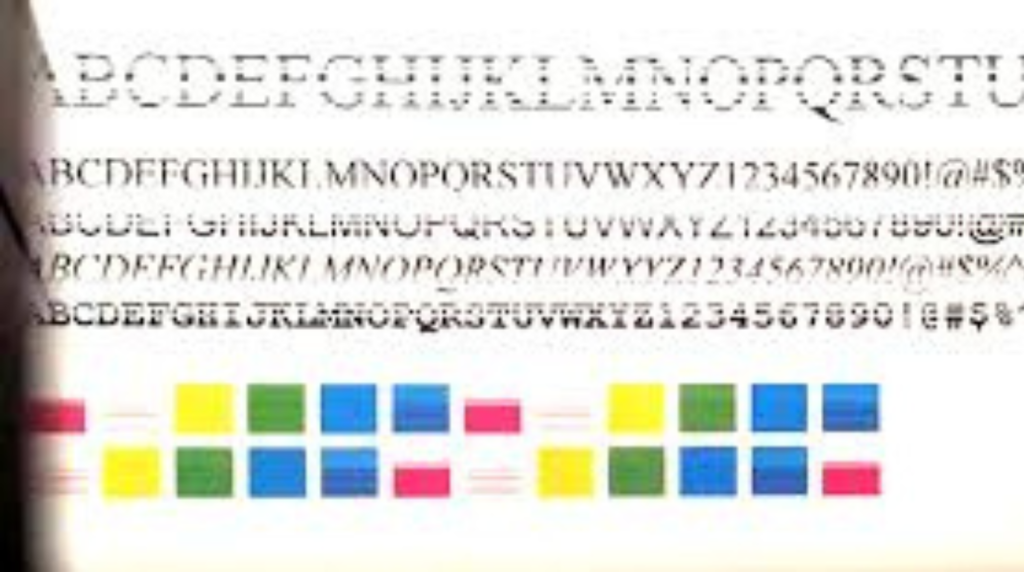
Common Issues:
- Faded text
- Smudged ink
- Uneven printing
Solutions:
- Run printhead cleaning from settings
- Replace low or dried-out ink cartridges
- Adjust print quality settings to high
- Align the printer head
Keeping your printer clean ensures better output and longer life.
4.Printer Showing Offline
A printer showing offline can stop your workflow completely, even when it’s connected.
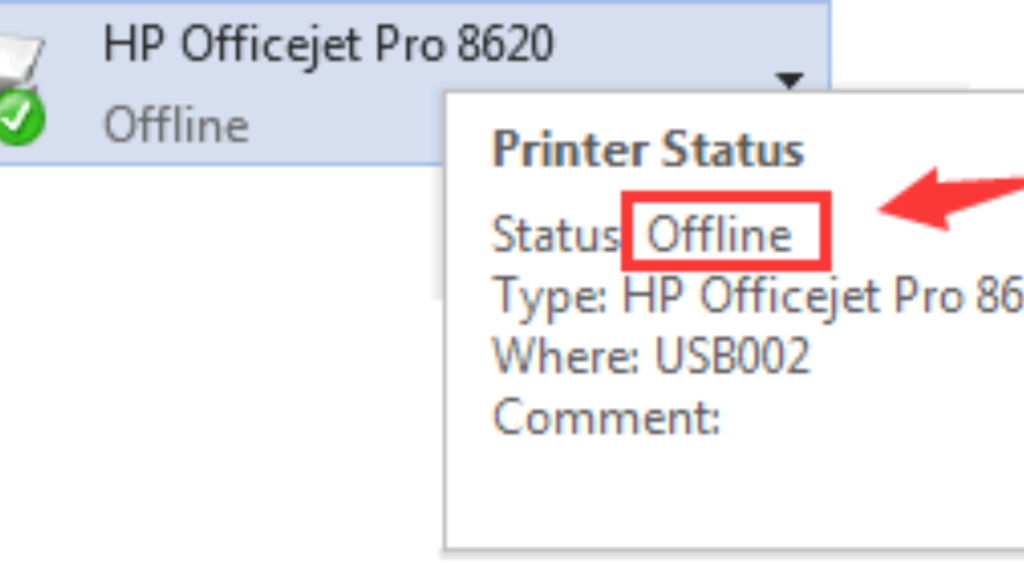
Possible Causes:
- Network connectivity issues
- Incorrect printer settings
- Print spooler errors
Solutions:
- Set your printer as the default device
- Disable “Use Printer Offline” mode
- Restart the print spooler service
- Reconnect to Wi-Fi or network
This issue is especially common in wireless printers.
5.Slow Printing Speed
Slow printing can waste valuable time, especially in office environments.
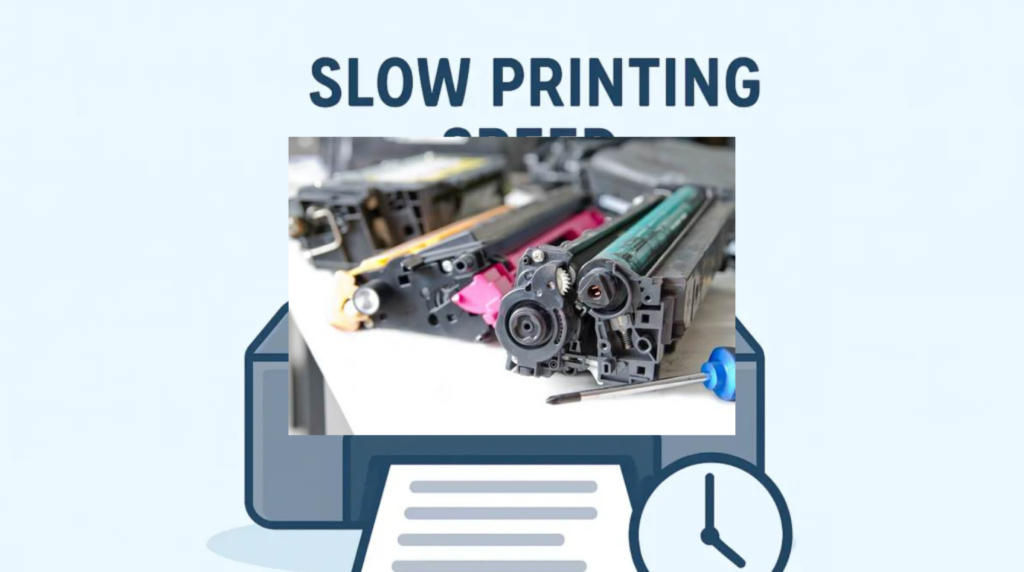
Possible Causes:
- High-resolution print settings
- Large file sizes
- Outdated drivers
Solutions:
- Switch to draft or normal print mode
- Update printer drivers
- Clear unnecessary print jobs from the queue
Optimizing settings can significantly improve printer speed.
6.Ink or Toner Issues
Ink-related problems can prevent your printer from functioning properly.
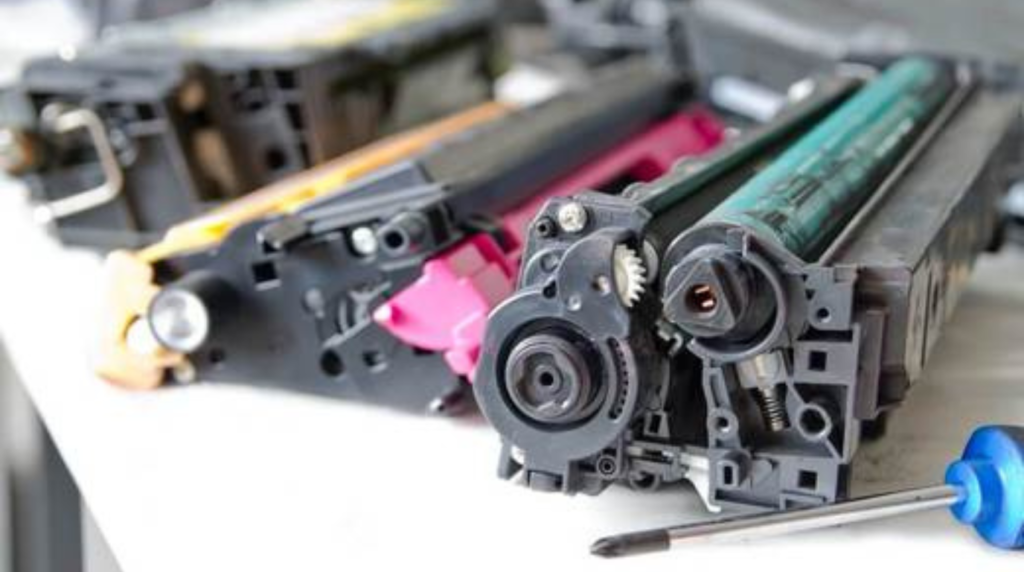
Common Problems:
- Cartridge not detected
- Low ink warnings despite replacement
- Ink leakage
Solutions:
- Reinstall cartridges properly
- Clean cartridge contacts
- Use genuine or compatible cartridges
- Reset ink levels if needed
Proper handling of cartridges helps avoid frequent issues.
Advanced Printer Troubleshooting Tips
If basic fixes don’t work, try these advanced solutions:
- Reset your printer to factory settings
- Update firmware from the manufacturer’s website
- Use built-in troubleshooting tools in your system
- Reinstall printer software completely
These steps can resolve deeper technical problems.
When to Call a Professional Printer Repair Service
While many printer issues can be fixed at home, some problems require expert attention.
You should consider professional help if:
- Your printer has hardware damage
- Issues keep repeating despite troubleshooting
- Internal components are malfunctioning
If you’re searching for a reliable printer repair service , choosing experienced technicians can save both time and money. A trusted printer service center Zirakpur can diagnose complex issues and ensure long-term performance.
Tips to Prevent Common Printer Problems
Prevention is always better than repair. Follow these simple tips to keep your printer running smoothly:
- Clean your printer regularly
- Use high-quality paper and ink
- Avoid overloading the paper tray
- Keep printer drivers updated
- Turn off the printer properly when not in use
Regular maintenance reduces the chances of sudden breakdowns.
FAQs
What are the most common printer problems?
The most common issues include printer not printing, paper jams, poor print quality, offline errors, and slow printing.
Why is my printer not printing even when connected?
This could be due to driver issues, incorrect settings, or low ink levels. Restarting and updating drivers usually helps.
How do I fix a printer that is offline?
Set it as the default printer, disable offline mode, and check your network connection.
What causes poor print quality?
Low ink levels, clogged printheads, or incorrect settings can lead to faded or blurry prints.
How often should I maintain my printer?
Basic cleaning and maintenance should be done at least once a month for optimal performance.
Conclusion
Understanding Printer Common Issues & Solutions can save you from unnecessary stress and expenses. Most printer problems—whether it’s paper jams, offline errors, or poor print quality—can be fixed with simple troubleshooting steps.
However, for more serious issues, it’s always best to consult professionals to avoid further damage. Keeping your printer well-maintained ensures smooth performance and longer lifespan.
Related Blogs:
Professional Laptop Repair Services| Benefits of Installing CCTV Cameras | Refurbished Laptop| CCTV installation cost| CCTV Installation Company