
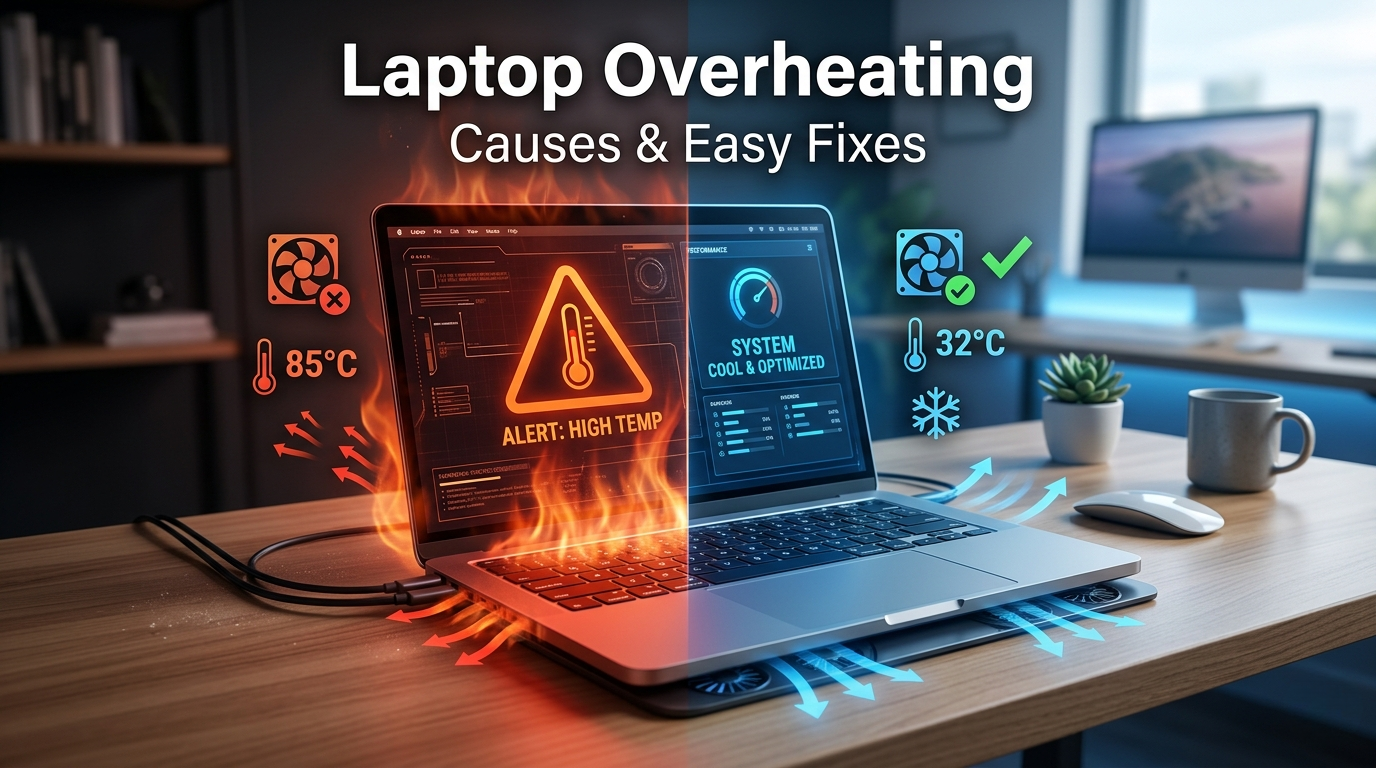
Laptop Overheating is one of the most common issues faced by users today, whether for work, gaming, or daily tasks. When your laptop gets too hot, it not only slows down performance but can also damage internal components over time.
Many people ignore early signs like a hot keyboard or loud fan noise, which can eventually lead to sudden shutdowns or permanent hardware damage. The good news is that most causes of laptop overheating are preventable and fixable with simple steps.
In this guide, we’ll explore the major causes of laptop overheating, warning signs to watch for, and practical solutions to keep your laptop cool and running efficiently.
What is Laptop Overheating?
Laptop overheating happens when your device generates more heat than it can effectively dissipate. Normally, laptops use cooling systems like fans and heat sinks to regulate temperature. But when these systems fail or are blocked, heat builds up.
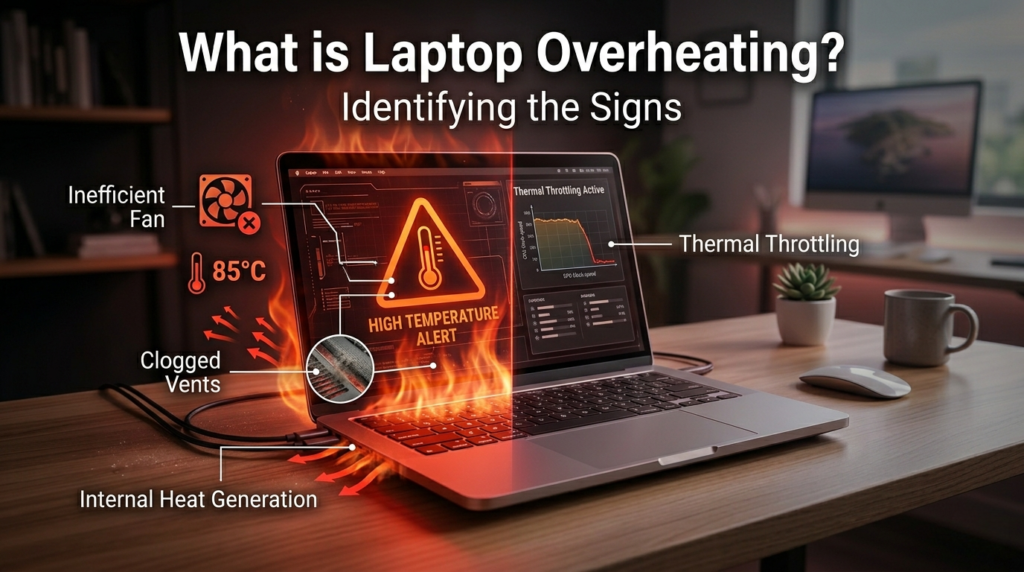
Ideal vs Overheating Temperature:
- Normal: 40°C – 65°C
- High Usage: 70°C – 85°C
- Overheating: Above 90°C
Consistent overheating can damage your CPU, battery, and motherboard.
9 Powerful Reasons for Laptop Overheating
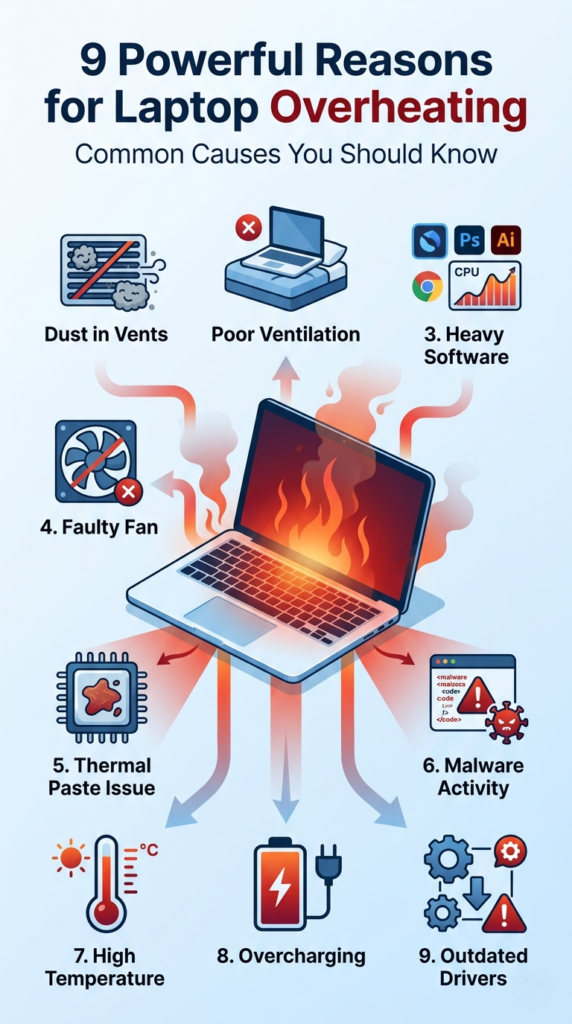
1. Dust Accumulation in Vents and Fans
Dust blocks airflow, making it harder for heat to escape.
2. Poor Ventilation
Using your laptop on a bed, pillow, or sofa blocks air vents and traps heat.
3. Heavy Software and Multitasking
Running multiple applications or heavy software increases CPU load, generating more heat.
4. Faulty or Aging Cooling Fan
If your fan isn’t working properly, your laptop won’t cool down efficiently.
5. Thermal Paste Drying Out
Thermal paste helps transfer heat from the CPU to the heatsink. Over time, it dries out and loses effectiveness.
6. Malware or Background Processes
Hidden programs can consume CPU resources and cause overheating.
7. High Ambient Temperature
Hot surroundings make it harder for your laptop to cool down.
8. Overcharging or Battery Issues
Keeping your laptop plugged in constantly can lead to heat buildup.
9. Outdated Drivers or BIOS
Old software can cause inefficient performance and increased heat generation.
Warning Signs of Laptop Overheating
Recognizing early signs can help you prevent serious damage:
- Loud or constantly running fan
- Hot keyboard or bottom surface
- Sudden shutdowns or restarts
- Slow performance or lag
- Screen freezing or crashing
If you notice these symptoms, it’s time to act immediately.
How to Fix Laptop Overheating (Step-by-Step)
Clean Air Vents and Fans
Use compressed air to remove dust from vents and internal components.
Use a Cooling Pad
Cooling pads improve airflow and help reduce temperature.
Close Unnecessary Applications
Reduce CPU usage by closing unused programs and browser tabs.
Replace Thermal Paste
If your laptop is old, replacing thermal paste can significantly improve cooling.
Update Drivers and Software
Keep your system updated to ensure efficient performance.
Scan for Malware
Run antivirus software to remove hidden threats.
How to Prevent Laptop Overheating
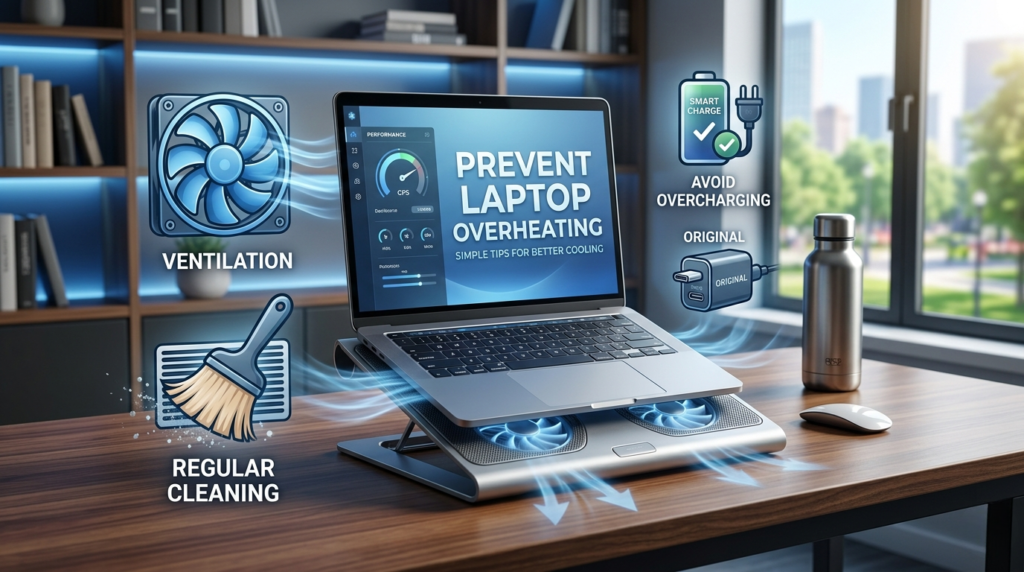
Prevention is always better than repair. Follow these tips:
- Use your laptop on hard, flat surfaces
- Keep your workspace cool and ventilated
- Clean your laptop regularly
- Avoid overcharging
- Use original charger and accessories
These simple habits can prevent most overheating issues.
When to Seek Professional Help
Some problems require expert attention:
- Fan not working or making noise
- Internal hardware damage
- Frequent shutdowns despite fixes
- Motherboard heating issues
In such cases, it’s best to contact a professional laptop repair service to avoid further damage and ensure proper repair.
Tips to Keep Your Laptop Cool Long-Term
- Clean your laptop every 2–3 months
- Monitor temperature using software tools
- Upgrade RAM or SSD for better performance
- Replace old batteries
- Use external cooling solutions if needed
Maintaining your laptop regularly ensures long-lasting performance.
FAQs
What causes laptop overheating the most?
Dust buildup and poor ventilation are the most common causes.
Is laptop overheating dangerous?
Yes, it can damage internal components and reduce lifespan.
How can I cool down my laptop fast?
Turn it off, move it to a cool surface, and close heavy applications.
Can overheating damage my laptop permanently?
Yes, prolonged overheating can harm the CPU, battery, and motherboard.
Do cooling pads really work?
Yes, they improve airflow and help reduce temperature.
Conclusion
Laptop Overheating is a serious issue that can affect both performance and hardware life if ignored. By understanding the causes and applying the right solutions, you can easily prevent overheating and keep your device running smoothly.
Simple steps like cleaning, proper usage, and regular updates can make a big difference. And if the issue persists, seeking professional help is always the safest option.
Related Blogs
Professional Laptop Repair Services| Benefits of Installing CCTV Cameras| Refurbished Laptop| CCTV installation cost| CCTV Installation Company| Printer common issues & solutions|Printer maintenance tips