
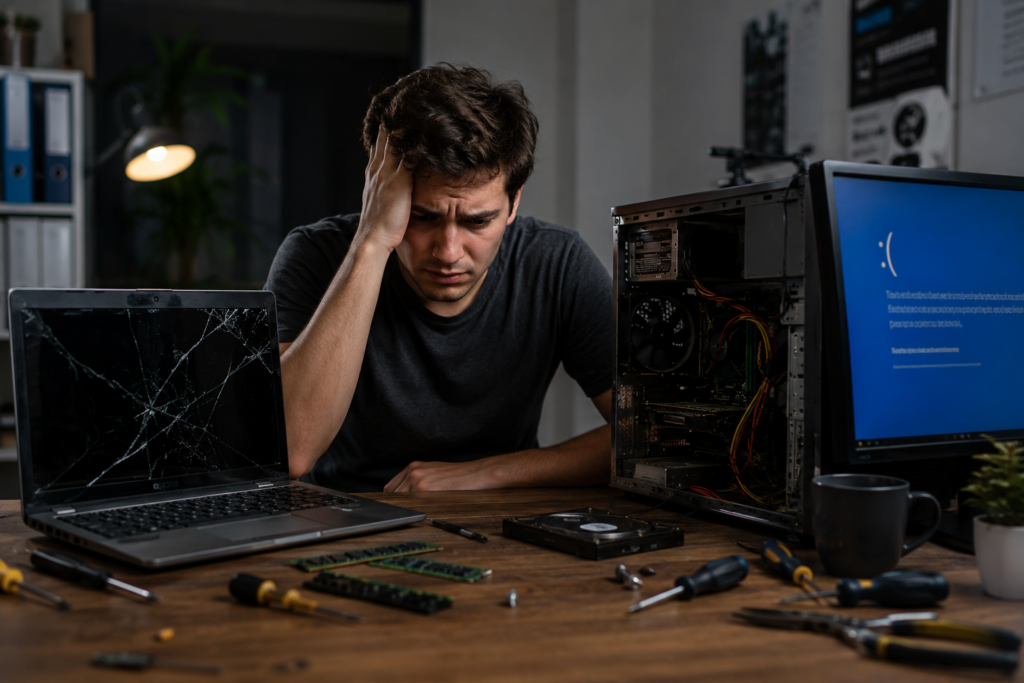
Computers have become an essential part of daily life, whether for work, study, gaming, or business. But when a system suddenly stops working, many people wonder: Are laptop repairs easier than desktop repairs?
Both laptops and desktops can face hardware and software issues, but the repair process is very different. Some problems are simple to fix, while others require professional technical expertise.
In this guide, we’ll compare laptop vs desktop repairs, explain common problems, discuss repair difficulty, and help you understand which device is easier and cheaper to maintain in the long run.
If you are looking for reliable computer repair services in Zirakpur, Accurate IT Solutions offers professional repair solutions for laptops, desktops, printers, CCTV systems, and more.
Table of Contents
- Understanding Laptop and Desktop Repairs
- Common Laptop Problems
- Common Desktop Problems
- Laptop vs Desktop Repairs: Main Differences
- Which Is Easier to Repair?
- Repair Costs Comparison
- Upgrade Flexibility
- Maintenance Tips for Longer Life
- Expert Tips Before Choosing Repairs
- Why Choose Accurate IT Solutions in Zirakpur
- FAQs
- Conclusion
Understanding Laptop and Desktop Repairs
Laptop and desktop repairs involve diagnosing and fixing hardware or software issues. However, their design differences make the repair process unique.
Laptop Repairs
Laptops are compact devices with tightly packed components. Their portability makes them convenient, but repairs can be more delicate and time-consuming.
Desktop Repairs
Desktop computers have larger cases and easily accessible components. This makes diagnosing and replacing parts simpler in many situations.
Common Laptop Problems
Laptop users frequently face the following issues:
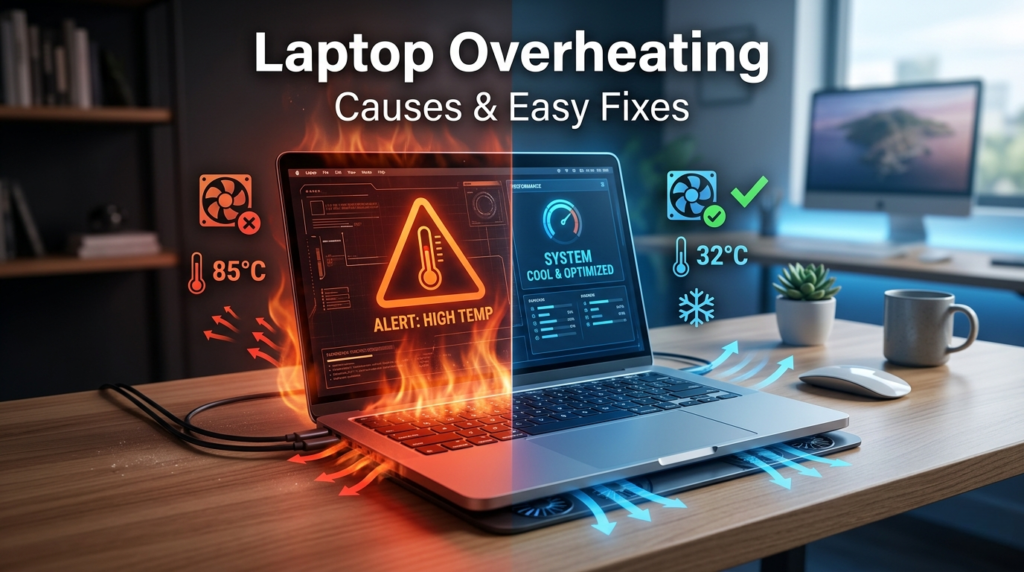
1. Overheating Problems
Dust buildup and blocked cooling vents can cause laptops to overheat.
Causes
- Dust inside cooling fans
- Poor ventilation
- Heavy software usage
Solutions
- Internal cleaning
- Thermal paste replacement
- Cooling fan servicing
2. Broken Screen
Laptop screens are fragile and can crack easily after accidental drops.
Signs
- Flickering display
- Black spots
- No display output
Repair Option
Screen replacement is usually required.
3. Battery Draining Quickly
Old batteries lose charging capacity over time.
Solutions
- Battery replacement
- Charger testing
- Power optimization
4. Keyboard or Touchpad Issues
Liquid spills and dust often damage laptop keyboards.
Common Fixes
- Keyboard replacement
- Touchpad driver repair
- Internal cleaning
Common Desktop Problems
Desktop computers also experience several issues, but repairs are generally easier.
1. Power Supply Failure
A faulty PSU can prevent the PC from turning on.
Symptoms
- No power
- Sudden shutdowns
- Restart loops
Solution
Replace the power supply unit.
2. RAM Issues
Faulty RAM may cause blue screen errors or freezing.
Fix
- RAM reseating
- RAM replacement
- Slot cleaning
3. Hard Drive Failure
Desktop storage drives may fail due to age or overheating.
Warning Signs
- Slow performance
- Clicking sounds
- Missing files
Solution
Replace HDD with SSD for better performance.
4. GPU Problems
Gaming desktops often face graphics card issues.
Symptoms
- Screen artifacts
- No display
- Game crashes
Repair
GPU replacement or driver repair.
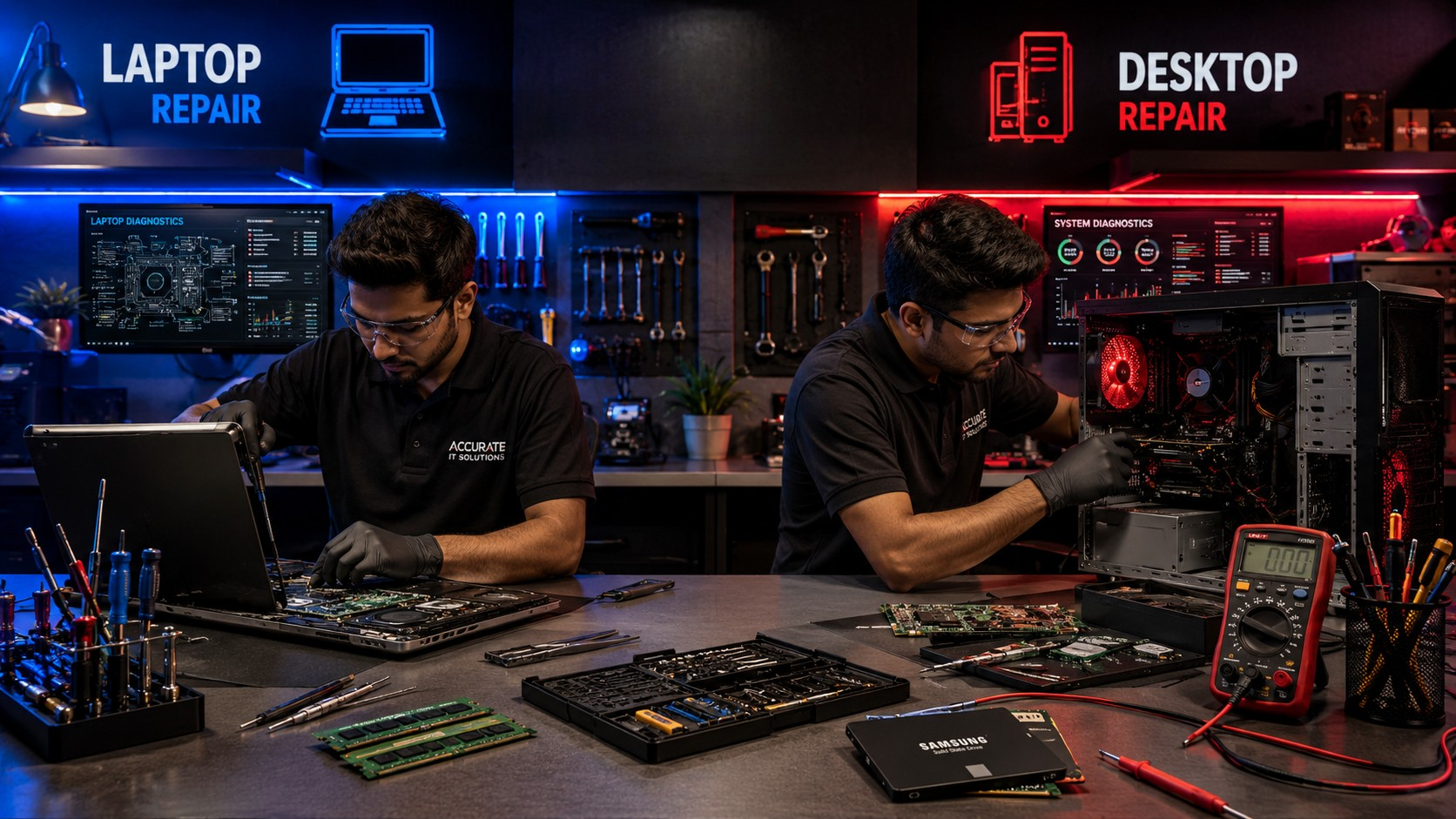
Laptop vs Desktop Repairs: Main Differences
1. Ease of Access
Laptop
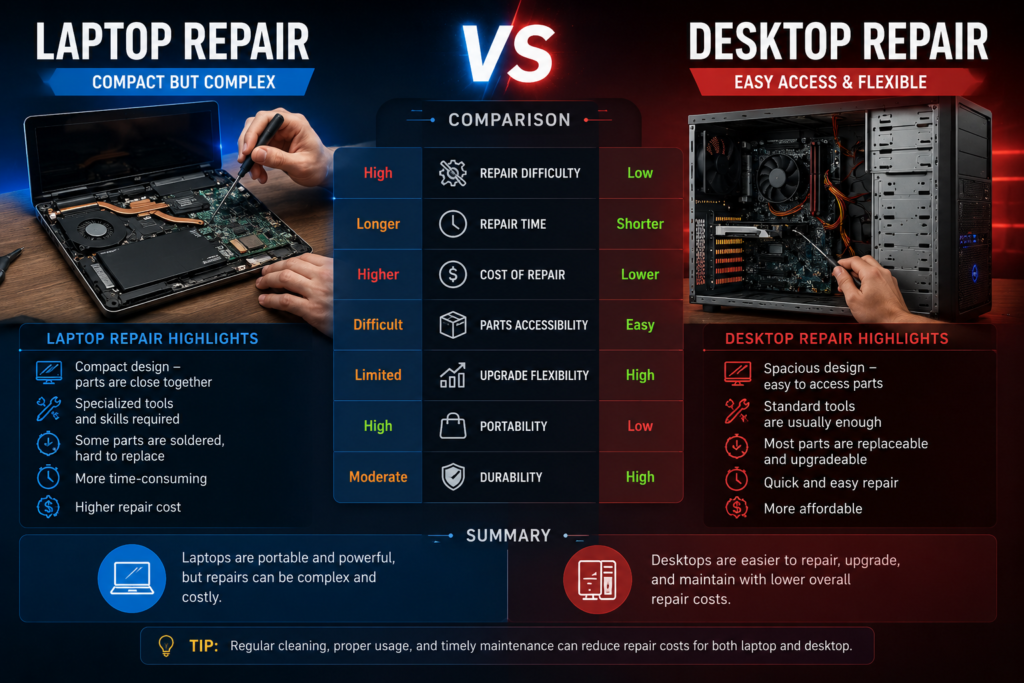
Laptop components are compact and difficult to access. Some parts are soldered directly onto the motherboard.
Desktop
Desktop cabinets provide easy access to hardware components.
Winner: Desktop Repairs
2. Component Replacement
Laptop
Replacing laptop parts often requires specialized tools and technical expertise.
Desktop
Most desktop parts can be replaced individually with minimal effort.
Winner: Desktop Repairs
3. Repair Cost
Laptop
Laptop repair costs are usually higher because parts are compact and harder to replace.
Desktop
Desktop parts are widely available and often less expensive.
Winner: Desktop Repairs
4. Portability and Physical Damage
Laptop
Portable devices are more likely to suffer accidental drops, screen damage, or liquid spills.
Desktop
Desktops stay in one location and face less physical damage.
Winner: Desktop Repairs
5. Upgrade Flexibility
Laptop
Upgrade options are limited in many laptop models.
Desktop
Desktops are highly customizable and easier to upgrade.
Winner: Desktop Repairs
Which Is Easier to Repair?
In most situations, desktop repairs are easier than laptop repairs.
Here’s why:
- Larger internal space
- Easily removable components
- Better airflow and cooling
- Easier hardware upgrades
- Lower repair complexity
However, laptops are improving every year, and professional technicians can efficiently repair many modern laptop issues.
The right repair choice depends on:
- Device age
- Repair cost
- Component availability
- Usage requirements
Repair Costs Comparison
| Repair Type | Laptop Repair Cost | Desktop Repair Cost |
|---|---|---|
| Screen Replacement | Higher | Not Applicable |
| RAM Upgrade | Moderate | Lower |
| SSD Upgrade | Moderate | Lower |
| Motherboard Repair | Expensive | Moderate |
| Fan Cleaning | Moderate | Easier & Cheaper |
| Power Supply Replacement | Rare | Common & Affordable |
Desktop repairs are often cheaper because components are standardized and easy to replace.
Upgrade Flexibility
One major advantage of desktops is their upgrade capability.
Desktop Upgrades
You can easily upgrade:
- RAM
- GPU
- Storage
- Cooling system
- Processor
Laptop Upgrades
Many laptops only allow:
- RAM upgrades
- SSD replacement
Thin laptops often have non-removable components.
Maintenance Tips for Longer Life
Whether you use a laptop or desktop, proper maintenance reduces repair needs.
Tips for Laptop Users
- Avoid overheating
- Use original chargers
- Clean cooling vents regularly
- Use a laptop bag for protection
Tips for Desktop Users
- Clean dust every few months
- Use UPS protection
- Maintain airflow
- Keep software updated
Expert Tips Before Choosing Repairs

Before repairing your device, consider these factors:
1. Compare Repair Cost vs Replacement Cost
If repairs cost more than 50% of a new device, replacement may be better.
2. Check Device Age
Older systems may not support modern software efficiently.
3. Backup Important Data
Always secure important files before repair work begins.
4. Choose Professional Technicians
Improper repairs can damage components further.
Why Choose Accurate IT Solutions in Zirakpur
If you are searching for reliable laptop and desktop repair services, Accurate IT Solutions provides professional and affordable solutions in Zirakpur.
Our Services Include:
- Laptop repair services
- Desktop repair solutions
- Refurbished laptop sales
- Computer accessories
- Printer repair services
- CCTV installation services
Why Customers Trust Us
- Experienced technicians
- Fast diagnosis and repair
- Affordable pricing
- Genuine spare parts
- Customer-focused support
We handle both hardware and software issues efficiently for home users, students, and businesses.
Frequently Asked Questions
1. Are desktops easier to repair than laptops?
Yes, desktops are generally easier to repair because their components are larger and easier to access.
2. Why are laptop repairs more expensive?
Laptop parts are compact, delicate, and sometimes soldered onto the motherboard, making repairs more complex.
3. Which lasts longer: laptop or desktop?
Desktops often last longer because they have better cooling and easier hardware upgrades.
4. Can old desktops be upgraded easily?
Yes, desktops are highly upgradeable and can often be improved with RAM, SSD, or GPU upgrades.
5. Is repairing a laptop worth it?
It depends on the repair cost, device age, and overall condition of the laptop.
6. How often should I service my computer?
Professional cleaning and maintenance every 6–12 months helps improve performance and lifespan.
Conclusion
When comparing Laptop vs Desktop Repairs, desktops are generally easier, cheaper, and faster to repair. Their modular design allows simple component replacement and better upgrade flexibility.
Laptops, however, offer portability and convenience, which makes them ideal for students and professionals despite slightly higher repair complexity.
Regular maintenance, timely servicing, and professional repair support can significantly extend the life of both laptops and desktops.
If your computer is facing performance issues, hardware failure, or upgrade needs, Accurate IT Solutions in Zirakpur provides trusted repair services for laptops, desktops, printers, and IT devices.
Contact Accurate IT Solutions today for professional computer repair solutions and expert technical support.
Related Blogs
Professional Laptop Repair Services| Benefits of Installing CCTV Cameras| Refurbished Laptop| CCTV installation cost| CCTV Installation Company| Printer common issues & solutions|Printer maintenance tips|Laptop Overheating|Wired vs wireless CCTV cameras