
Quick Answer
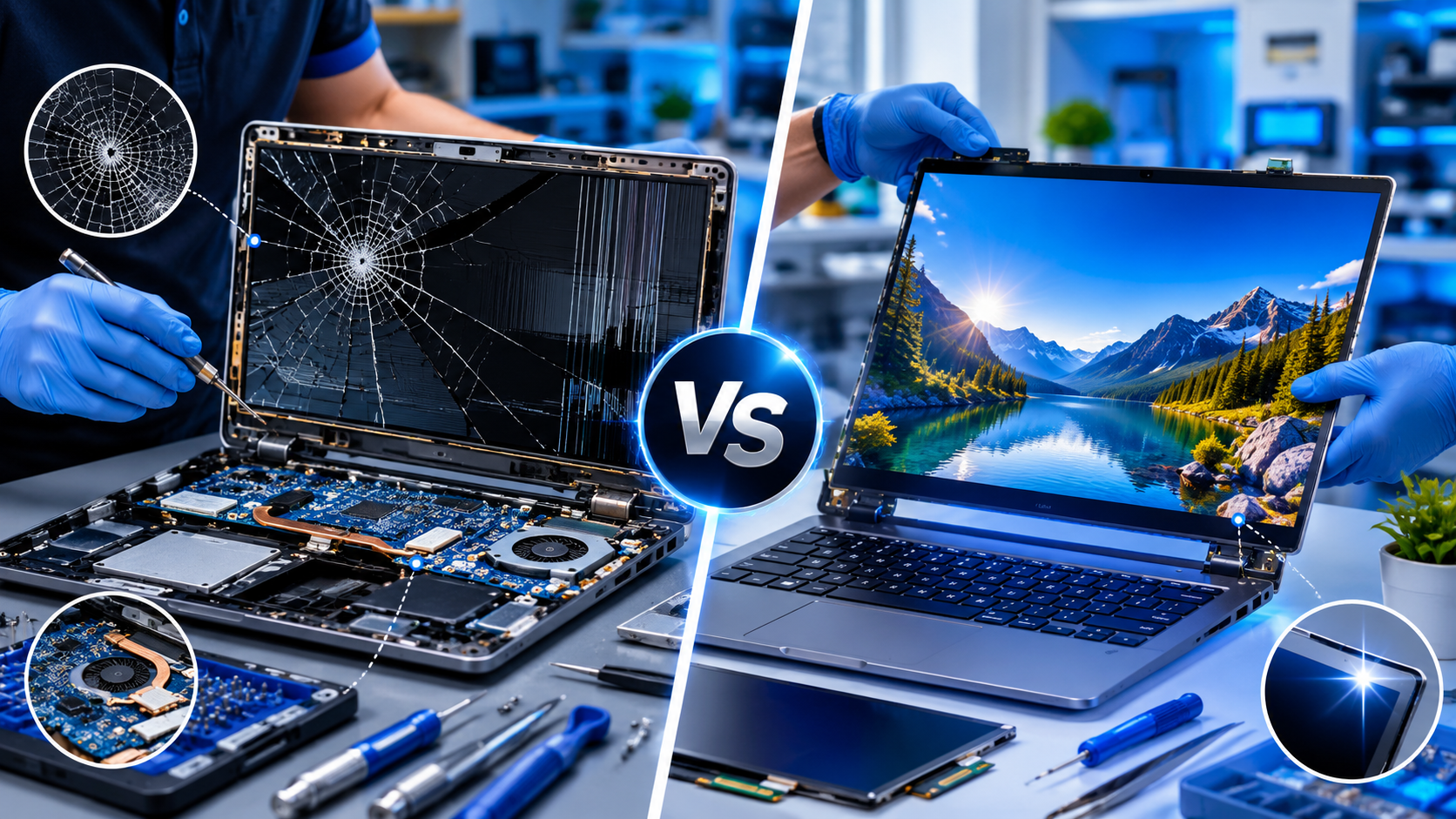
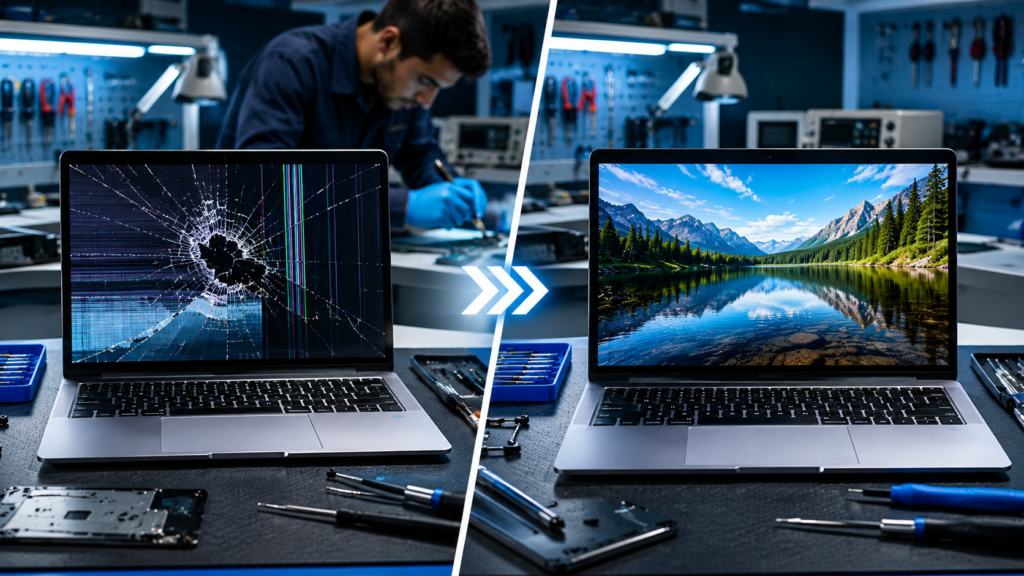
If your laptop screen has minor issues such as flickering, loose display connections, backlight problems, or software-related display faults, repairing the screen is often the most cost-effective solution. However, if the screen is cracked, has severe dead pixels, liquid damage, display bleeding, or a broken touchscreen layer, replacement is usually the better long-term option.
The decision between laptop screen repair vs replacement depends on the extent of damage, the age of the laptop, repair costs, and the availability of replacement parts. A professional diagnosis can help determine the most economical and reliable solution while extending the life of your device.
Introduction
A laptop screen is one of the most important components of any laptop. Whether you use your device for work, studies, gaming, or entertainment, a damaged screen can significantly affect productivity and user experience.
Accidental drops, pressure on the lid, liquid spills, and hardware failures are among the most common causes of display damage. When screen problems occur, many users face a difficult question: Laptop Screen Repair vs Replacement—which option makes the most sense?
Understanding the nature of the problem can help you avoid unnecessary expenses and choose the most practical solution for your device.
Key Takeaways
✓ Repair minor display issues such as loose cables and backlight faults.
✓ Replace screens with cracks, severe damage, or display bleeding.
✓ Professional diagnosis prevents unnecessary expenses.
✓ Screen replacement often restores original display quality.
✓ Delaying repairs may lead to additional hardware problems.
✓ Professional repair services provide better long-term reliability.
What Is a Laptop Screen Made Of?
Modern laptop displays consist of multiple components working together:
LCD or LED Panel
The primary component responsible for displaying images and text.
Backlight System
Provides illumination for the display.
Touchscreen Layer
Found in touchscreen laptops, allowing touch input.
Display Cable
Connects the screen to the motherboard.
Protective Glass
Offers protection against minor scratches and damage.
Display Controller Circuit
Manages image processing and display functionality.
Damage to any of these components can cause display-related issues.
Common Types of Laptop Screen Damage
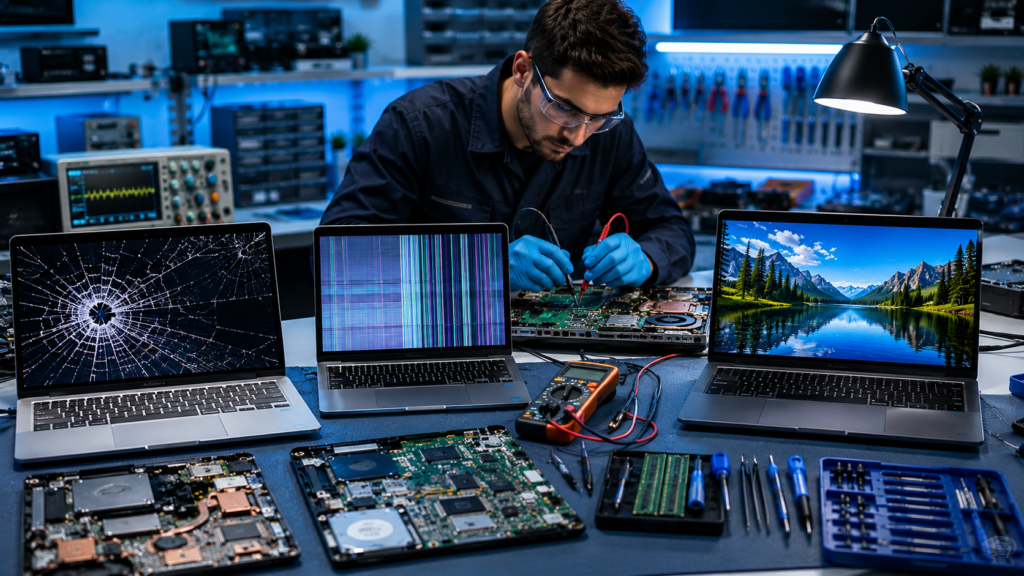
Cracked Screen
Symptoms
- Visible cracks
- Distorted images
- Black spots
Causes
- Accidental drops
- Pressure damage
- Impact during transport
Repairability
Cracked screens generally require complete replacement.
Dead Pixels
Symptoms
- Small black or colored dots
- Permanent pixel defects
Causes
- Manufacturing defects
- Aging display panels
Repairability
Minor dead pixels may sometimes improve, but extensive pixel damage often requires replacement.
Screen Flickering
Symptoms
- Constant blinking
- Brightness fluctuations
Causes
- Faulty display cable
- Driver issues
- Display hardware problems
Repairability
Usually repairable without replacing the screen.
Black Screen
Symptoms
- No display output
- Laptop powers on but screen remains blank
Causes
- Faulty display cable
- Backlight failure
- Motherboard issues
Repairability
Requires professional diagnosis before determining repair or replacement.
Vertical or Horizontal Lines
Symptoms
- Colored lines across the screen
- Distorted display
Causes
- Damaged display cable
- Faulty LCD panel
Repairability
Depends on the root cause.
Backlight Failure
Symptoms
- Dim display
- Visible image only under strong light
Causes
- Failed backlight components
- Power supply issues
Repairability
Often repairable without replacing the entire display.
Touchscreen Failure
Symptoms
- Unresponsive touch functionality
- Inaccurate touch detection
Causes
- Damaged digitizer
- Internal connector issues
Repairability
May require touchscreen layer replacement.
Laptop Screen Repair vs Replacement
| Factor | Repair | Replacement |
|---|---|---|
| Cost | Usually Lower | Usually Higher |
| Time Required | Faster | Moderate |
| Reliability | Depends on Issue | High |
| Warranty | Limited | Often Better |
| Long-Term Solution | Sometimes | Usually |
| Performance Improvement | Limited | Restores Full Quality |
| Suitable For | Minor Issues | Major Damage |
When Is Screen Repair the Better Choice?
Repair is often the better option when the issue involves supporting components rather than the display panel itself.
Loose Display Cable
A loose or damaged cable can cause flickering, black screens, or image distortion.
Backlight Problems
Many dim-screen issues originate from backlight faults rather than screen damage.
Software-Related Display Issues
Outdated graphics drivers can mimic hardware problems.
Connector Damage
Internal connectors may require repair instead of full screen replacement.
Minor Display Faults
Certain display anomalies can be corrected without replacing the entire panel.
When Is Screen Replacement the Better Choice?
Replacement is recommended when physical damage affects the display panel itself.
Cracked LCD Panel
Physical cracks cannot usually be repaired effectively.
Display Bleeding
Internal panel damage often worsens over time.
Liquid Damage
Liquid exposure can permanently damage screen layers.
Broken Touchscreen Glass
Touch-enabled devices frequently require replacement of the damaged layer.
Extensive Dead Pixels
Large clusters of dead pixels impact usability and visual quality.
How Technicians Diagnose Screen Problems
Professional technicians follow a structured process:
1. Physical Inspection
Checking for visible cracks and physical damage.
2. External Monitor Test
Determining whether the issue originates from the screen or graphics system.
3. Display Cable Inspection
Examining connectors and cables for faults.
4. LCD Panel Testing
Testing the display independently.
5. Motherboard Diagnostics
Identifying hardware-related display issues.
6. Software Verification
Checking drivers and display settings.
This process ensures accurate diagnosis and avoids unnecessary replacement costs.
Laptop Screen Repair Cost vs Replacement Cost
Several factors influence pricing:
Brand
Premium brands often have higher replacement costs.
Display Size
Larger displays generally cost more.
Resolution
Full HD, QHD, and 4K panels vary significantly in price.
Touchscreen Technology
Touch-enabled screens are usually more expensive.
Availability
Rare models may have higher part costs.
| Service Type | Relative Cost |
| Display Cable Repair | Low |
| Backlight Repair | Low to Moderate |
| Screen Repair | Moderate |
| LCD Replacement | Moderate to High |
| Touchscreen Replacement | High |
| OLED Display Replacement | High |
Is Screen Replacement Worth It?
Students
Often worthwhile if the laptop is less than 5 years old.
Office Users
Replacement can significantly extend productivity.
Gamers
High-refresh-rate displays often justify replacement.
Business Users
Replacing screens is usually more economical than replacing business laptops.
Graphic Designers
Display quality is critical, making replacement the preferred choice.
Older Laptops
Cost should be compared against the value of the device.
Premium Laptops
Replacement is usually worthwhile due to the higher cost of new devices.
Risks of Delaying Screen Repairs
Ignoring display issues can create additional problems:
- Increased screen damage
- Eye strain
- Reduced productivity
- More expensive repairs later
- Potential motherboard damage
Prompt diagnosis can prevent larger repair bills.
DIY Repair vs Professional Repair
| Factor | DIY | Professional |
| Cost | Lower Initial Cost | Higher Initial Cost |
| Risk | High | Low |
| Tools Required | Yes | No |
| Warranty | None | Usually Included |
| Success Rate | Variable | High |
| Long-Term Reliability | Uncertain | Better |
While online tutorials may seem tempting, improper handling can cause additional damage.
How to Prevent Laptop Screen Damage
Use a Protective Sleeve
Provides protection during transport.
Avoid Pressure on the Lid
Never place heavy objects on top of your laptop.
Clean Properly
Use microfiber cloths and screen-safe cleaning products.
Carry Carefully
Always transport laptops in padded bags.
Use Screen Protectors
Helpful for touchscreen devices.
Schedule Maintenance
Routine inspections can identify problems early.
Why Professional Repair Matters
Professional technicians provide:
- Accurate diagnostics
- Genuine replacement parts
- Safe installation procedures
- Warranty support
- Long-term reliability
These advantages often outweigh the risks of DIY repairs.
Benefits of Choosing Local Repair Services
Working with a local Computer repair service in Zirakpur offers several advantages:
- Faster turnaround times
- Easy follow-up support
- In-person diagnosis
- Personalized recommendations
- Convenient warranty assistance
Whether you need laptop repair services Zirakpur, assistance from a trusted computer repair shop in Zirakpur, or even a desktop repair service Zirakpur, local expertise can save both time and money.
Why Choose Accurate IT Solutions?
Accurate IT Solutions is committed to delivering reliable laptop repair solutions with a focus on quality and customer satisfaction.
Our Advantages
- Experienced technicians
- Professional diagnostics
- Genuine replacement screens
- Fast service turnaround
- Transparent pricing
- Comprehensive repair support
We help customers make informed decisions about laptop screen repair and replacement based on the actual condition of their devices.
Frequently Asked Questions
1. Can a cracked laptop screen be repaired?
Most cracked screens require replacement rather than repair.
2. Is replacing a laptop screen expensive?
Costs vary depending on the laptop model and screen type.
3. How long does screen replacement take?
Most replacements can be completed within a few hours to a few days.
4. Can dead pixels be fixed?
Some isolated dead pixels may improve, but extensive pixel damage often requires replacement.
5. Will my data be affected during screen replacement?
No. Screen replacement does not typically affect stored data.
6. Is screen replacement worth it for an old laptop?
It depends on the laptop’s overall condition and value.
7. What causes screen flickering?
Common causes include loose cables, driver issues, or hardware faults.
8. Can touchscreen laptop screens be repaired?
Some touchscreen components can be repaired, but replacement is often required.
9. What is display bleeding?
Display bleeding occurs when light leaks through damaged portions of the screen.
10. How can I prevent future screen damage?
Use protective cases, handle your laptop carefully, and avoid pressure on the display.
Conclusion
Choosing between Laptop Screen Repair vs Replacement depends on the type and severity of the damage. Minor issues such as loose cables, backlight faults, or software-related display problems can often be repaired affordably. However, cracked screens, liquid damage, display bleeding, and extensive panel failures generally require replacement.
A professional diagnosis is the best way to determine the most cost-effective solution. If you’re experiencing display issues and need reliable laptop repair services Zirakpur, Accurate IT Solutions can help with expert diagnostics, quality replacement parts, and dependable repair services. Contact us today to restore your laptop’s display and keep your device performing at its best.
Related Blogs
Professional Laptop Repair Services| Benefits of Installing CCTV Cameras| Refurbished Laptop| CCTV installation cost| CCTV Installation Company| Printer common issues & solutions| Printer maintenance tips| Laptop Overheating| Wired vs wireless CCTV cameras| Laptop vs Desktop Repairs| SSD vs HDD Upgrade |Where to Buy Refurbished Laptops in Zirakpur